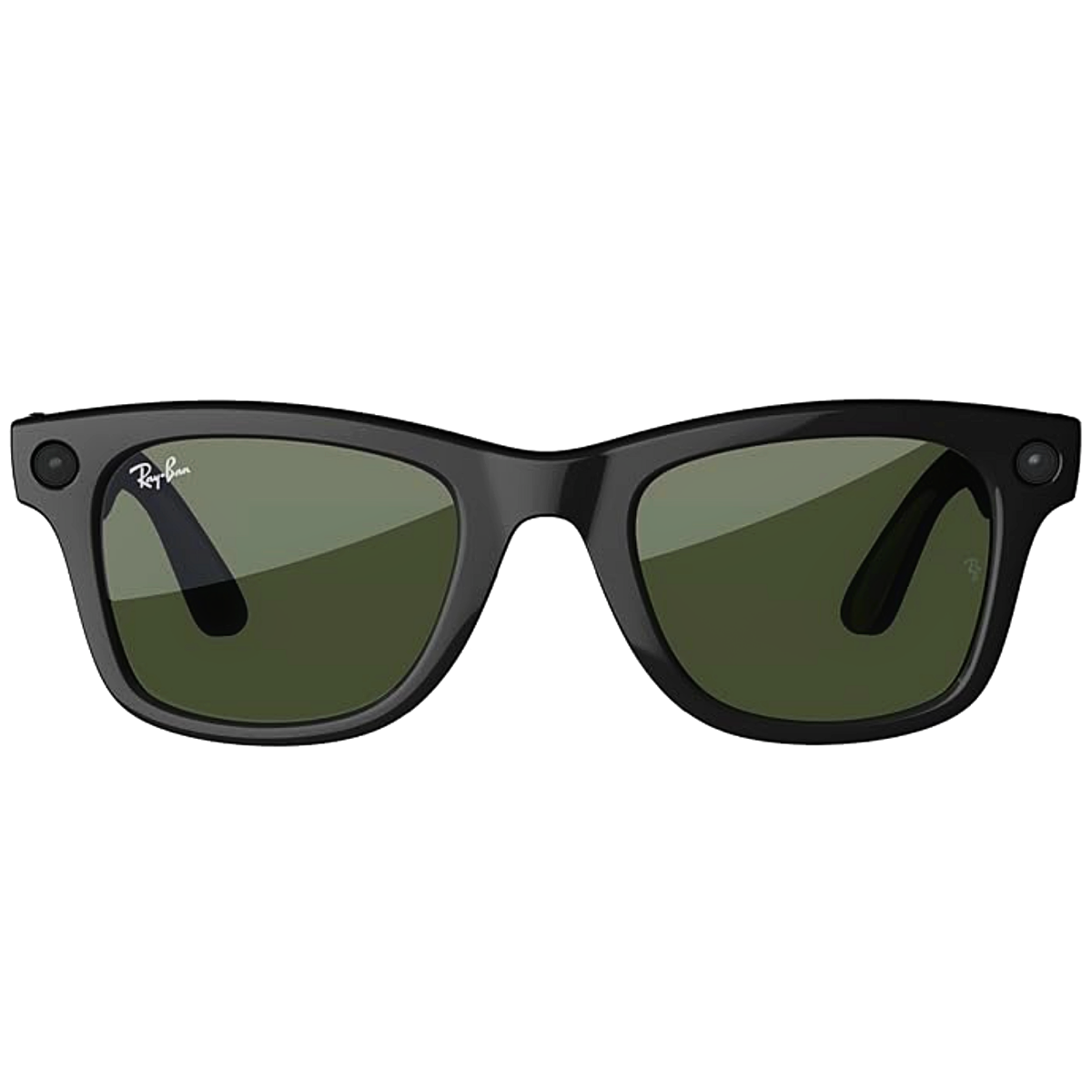
You’ve seen them everywhere. Maybe on a hiking trail or at a brunch spot where someone is talking to their frames. It’s a bit weird at first, right? But honestly, Ray-Ban Meta glasses for women have moved past the "Silicon Valley tech bro" phase and into something that actually makes sense for daily life.
They aren't just bulky cameras strapped to your face anymore.
The Fit Issue Nobody Mentions
If you have a smaller face, you know the struggle. Most "unisex" tech looks like you’re wearing a VR headset from 1995. The Wayfarer is the icon, sure, but it can feel heavy on the bridge of the nose after two hours. It's a classic for a reason, but it's chunky.
Then there's the Skyler.
This is the sleeper hit for women. It’s a cat-eye silhouette that doesn't scream "I have a computer in my hinges." It’s narrower, lighter, and actually stays put when you look down at your phone or a menu. If the Wayfarer makes you look like a secret agent, the Skyler just makes you look like you have good taste in eyewear.
People always ask: "Don't they feel heavy?"
Not really. They’ve managed to balance the battery and the 12MP camera across the temples so it doesn't tilt forward. But—and this is a big but—if you have a very high nose bridge, you might still deal with some slipping.
Reality Check: The 12MP Camera
Let's talk about the "Instagram vs. Reality" of the camera. It captures 3024 x 4032px photos. In broad daylight? They are stunning. Vibrant, sharp, and perfect for a quick story. But the moment the sun goes down, things get grainier.
It’s just physics. A lens that small can only take in so much light.
The video is the real winner here. The Ray-Ban Meta glasses for women now support 3K video at 60fps in the latest 2026 models. The stabilization is kind of spooky. You can be chasing a toddler or a dog, and the footage looks like you’re using a professional gimbal.
One thing that's still annoying? The portrait-only mode.
Meta loves their vertical video. It’s built for Reels and Stories. If you’re a traditionalist who wants wide, cinematic horizontal shots, you’re out of luck. You have to tilt your head 90 degrees like a confused bird to get a landscape shot, and even then, it's awkward.
AI Is the Secret Weapon (When It Works)
The "Hey Meta" feature is basically having a personal assistant whispered into your ear. You can ask, "Hey Meta, what am I looking at?" and it can translate a menu in Paris or tell you what kind of plant you just bought.
It’s great for:
- Sending a text while your hands are covered in flour during baking.
- Checking the weather without digging through your purse.
- Identifying that one landmark you're staring at on vacation.
But it isn't perfect. If you're in a crowded coffee shop, it might struggle to hear you over the espresso machine. And sometimes, the AI gets a little confident and gives you an "interesting" hallucination about a historical fact. Use it for convenience, not for a PhD thesis.
Battery Life and the "Dead Glasses" Problem
Here is the honest truth: the battery lasts about 4 to 6 hours with moderate use. If you’re livestreaming to Instagram, that number drops faster than a lead weight.
You will depend on the charging case.
Thankfully, the 2026 case is 32% lighter than the original versions. It gives you about 8 full recharges. You basically treat them like AirPods. Wear them, use them, pop them back in the case during lunch. If you forget to charge the case, you just have a very expensive pair of regular sunglasses.
Prescription and Lens Options
Don't buy these off the shelf if you need vision correction. You can get these with Transitions lenses, which is basically the "God mode" for smart glasses. They’re clear when you’re inside answering emails and turn dark the second you step out into the sun.
LensCrafters and other retailers now offer high-index lenses for these. So, if you have a strong prescription (the "coke bottle" effect), you can get the "Extra Thin" 1.67 high-index option. It keeps the frames from looking like they’re bulging at the edges.
Should You Actually Buy Them?
It depends on your "why."
If you want a replacement for a professional DSLR camera, no. Don't do it. But if you’re a mom who wants to capture memories without a phone blocking your view, or a traveler who wants hands-free navigation, they are a game changer.
Next Steps for Potential Buyers:
- Measure your face: Use the "hinge-to-hinge" measurement. If you're under 121mm, look for the "Small" or "Skyler" fits.
- Check your phone: Ensure you're on at least iOS 14.4 or Android 10.
- Pick your lens: If you spend all day moving between indoors and outdoors, the Transitions Cerulean Blue or Amber are the best functional picks.
- Privacy check: Remember the small LED light on the front. It turns on when you record. Respect the light, and don't be that person filming people without them knowing.
The tech is finally catching up to the fashion. It's less about "looking like a cyborg" and more about just having a more helpful pair of glasses.